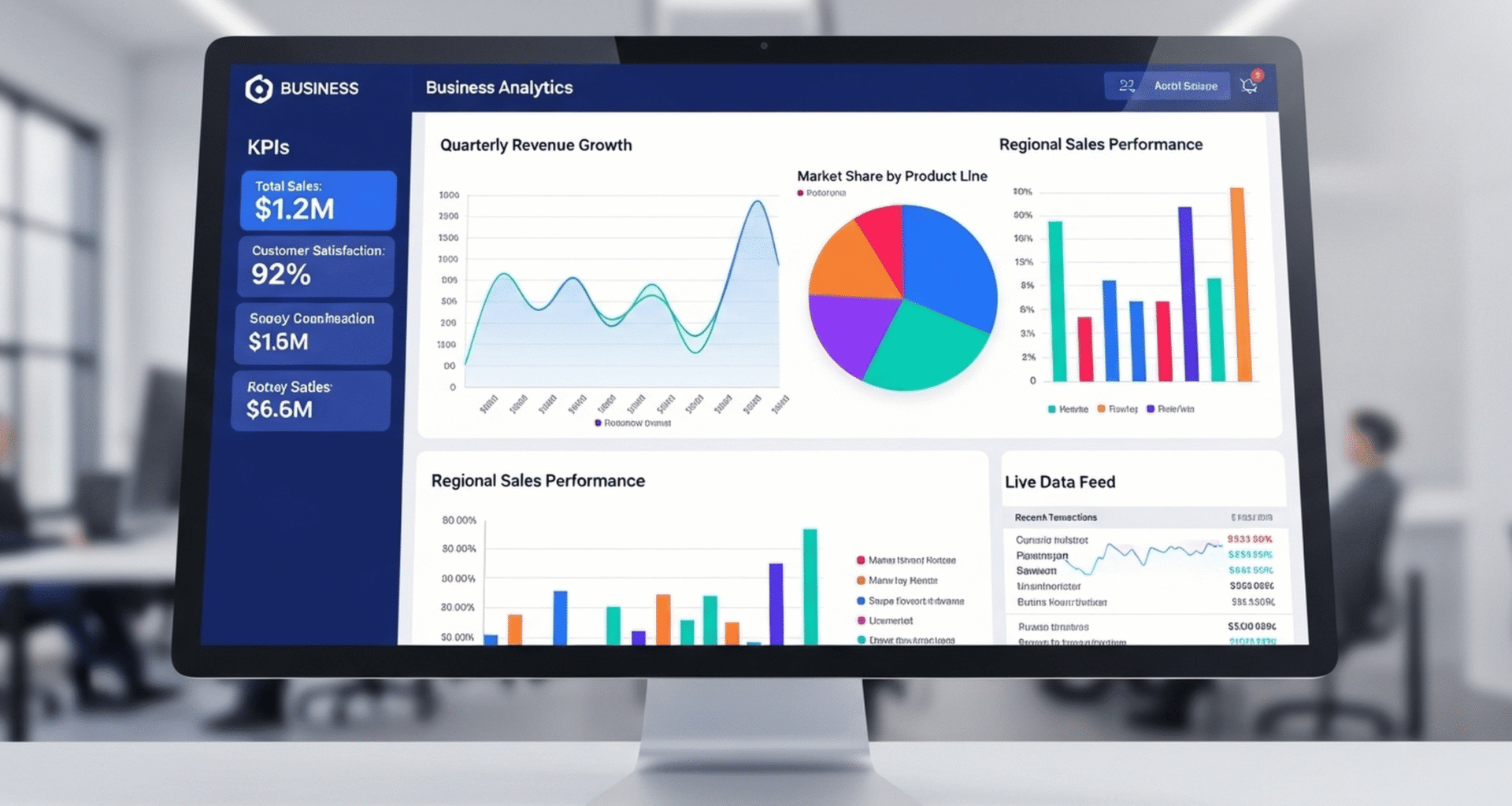
A great CFO dashboard in Workday is not just a collection of charts. It is a single, role‑based view where the CFO and finance leaders can see P&L, Balance Sheet, Cash Flow and key management KPIs in real time, with the ability to drill from high‑level metrics into transaction detail. The challenge is to design it so leaders actually trust the numbers and can use the dashboard for decisions instead of asking for Excel exports.
This guide walks through how to design that dashboard using Workday Financials and Reporting—focusing on structure, data, and trust.
Define what the CFO really needs to see
Before building anything, clarify the CFO’s core questions:
- Profitability: How are revenue, gross margin and operating income trending by business, region and product?
- Financial position: What does the current balance sheet look like, and where are the risk areas (debt, receivables, cash)?
- Cash: What is happening to cash—operating, investing and financing flows?
- Operational levers: Which cost centers, projects or product lines are driving variance vs plan?
Translate these into dashboard sections:
- P&L overview
- Balance Sheet snapshot
- Cash Flow and liquidity
- Management KPIs and variances vs budget/forecast
In Workday, these sections map to matrix reports, charts and worklets assembled on a custom CFO dashboard.
Build trusted P&L, Balance Sheet and Cash Flow reports
The foundation of the dashboard is a set of well‑designed financial statements that align with your chart of accounts and FDM (Foundation Data Model).
Key steps:
- Align report structures with your COA hierarchies
- Create reusable financial reports
- Test and sign off
- Have controllers and FP&A validate that these reports match external financials and internal management reports.
Once these core reports are trusted, you can safely surface them (or summarized variants) on the dashboard.
Turn statements into dashboard worklets and visuals
With P&L, Balance Sheet and Cash Flow reports in place, convert them into worklets and visualizations.
Patterns that work well:
- P&L worklets
- A summary P&L chart showing Revenue, Gross Margin and Operating Income by month or quarter.
- A matrix table for the current period and year‑to‑date by business unit or region.
- Balance Sheet worklets
- Key balances: Cash, AR, AP, Inventory, Debt, Equity.
- Ratios like current ratio and quick ratio, calculated via report‑based metrics.
- Cash Flow worklets
- Bar or line chart split by operating, investing, financing over time.
- Short-term cash position by bank / currency from Cash Management reports.
- Management analytics
- Variance vs budget/forecast (Revenue, EBITDA, Opex) from Workday or Workday Adaptive Planning.
- KPIs like DSO, DPO, days cash on hand, and project or product profitability.
Use Workday’s charting options (line, bar, waterfall) where they add clarity, but always keep drill‑through to the underlying reports and transactions.
Make the dashboard CFO-specific and secure
A CFO dashboard should be role-based, not generic.
Design choices:
- Security and domain
- Assign the dashboard to a CFO‑level security group that already has access to the necessary financial domains and reports.
- Use domains like Financial Reporting, Ledgers, Journals, Banking, and Revenue as appropriate.
- Company and scope filters
- Include prompts or filters for Company, Region or Segment, but consider a default scope that reflects the CFO’s usual view (for example, consolidated group).
- If the CFO oversees multiple portfolios, consider tabs or sections per region or business.
- Actionable content
- Add worklets that show action lists next to analytics: for example, “Large AR items overdue”, “Unapproved high‑value journals”, “Top expense variances needing review”.
Role-based design ensures the CFO sees exactly what is needed and nothing that distracts or breaches confidentiality.
Build trust: consistency, drill-down and data lineage
CFOs and controllers trust dashboards when they can reconcile what they see to the GL and financial statements. Workday’s single data model and reporting capabilities help if you use them correctly.
Critical trust enablers:
- Single source of truth
- Use the same underlying reports and FDM hierarchies for the dashboard and for formal financial statements.
- Avoid parallel logic in Excel add‑ons that diverge over time.
- Drill-down and drill‑around
- Data lineage and audit
- Take advantage of Workday’s ability to show how numbers are built: from transaction Worktags to account summaries.
- Document key calculated metrics (for example, DSO formula, adjusted EBITDA definition) and keep them consistent across reports.
When leaders can quickly answer “where did this number come from?” trust rises and reliance on offline reconciliations falls.
Iterate with FP&A and controllers, not in isolation
Finally, treat the CFO dashboard as a living product owned jointly by CFO, Controller and FP&A, not a one‑time implementation artifact.
Practical steps:
- Co‑design sessions
- Hold working sessions with the CFO and key finance leaders to refine layout, KPIs and thresholds.
- Prioritize a small number of high‑value metrics over “everything on one page.”
- Versioning and change control
- Document what each element on the dashboard represents and how it is calculated.
- Apply light change control: significant changes to KPIs or structures should be reviewed and approved, not made ad‑hoc.
- Leverage Workday Adaptive Planning where appropriate
A well‑designed CFO dashboard in Workday becomes the daily starting point for financial leadership conversations: one page, one set of numbers, multiple ways to drill and act. When P&L, Balance Sheet, Cash Flow and management analytics all line up and can be traced back to Workday’s data model, leaders stop questioning the dashboard and start using it to run the business.